Bluetooth Radio Programmer Adapter for Baofeng UV-5R & UV-82
Problem & Solution
Programming multi-channel two-way radios traditionally requires connecting a specialized USB K-plug cable to a laptop or PC. In the field, carrying a computer or attempting to manually input complex frequency offsets, sub-audible tones (CTCSS/DCS), and channel names using tiny radio keypads can be slow and prone to errors.
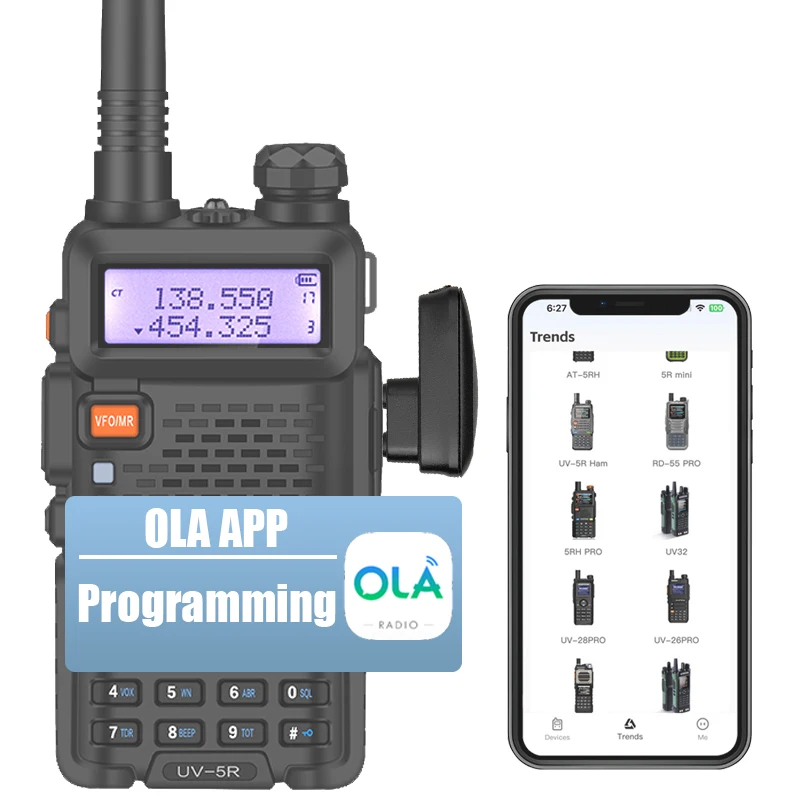
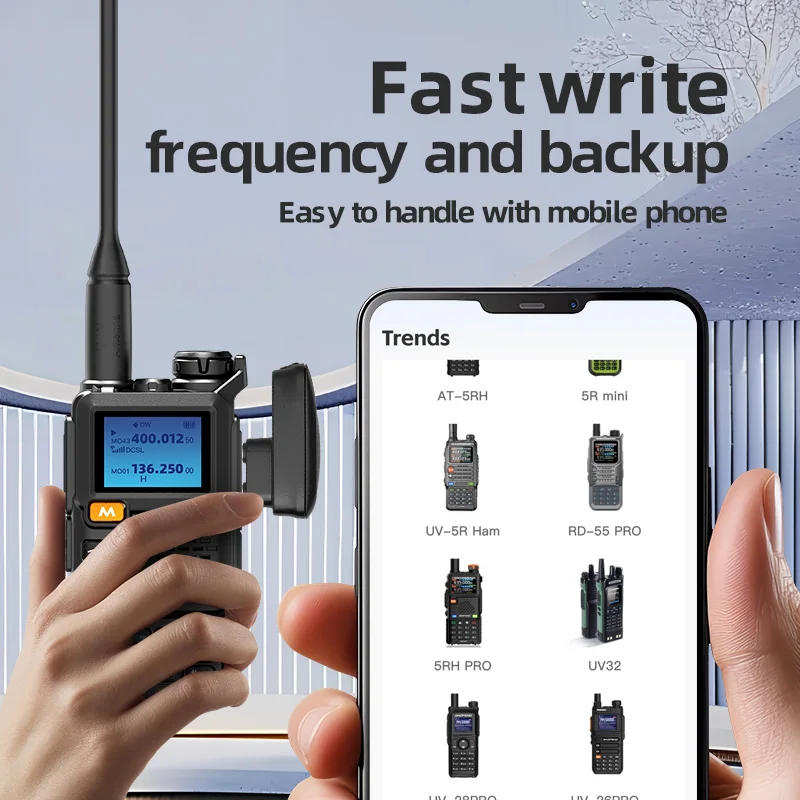
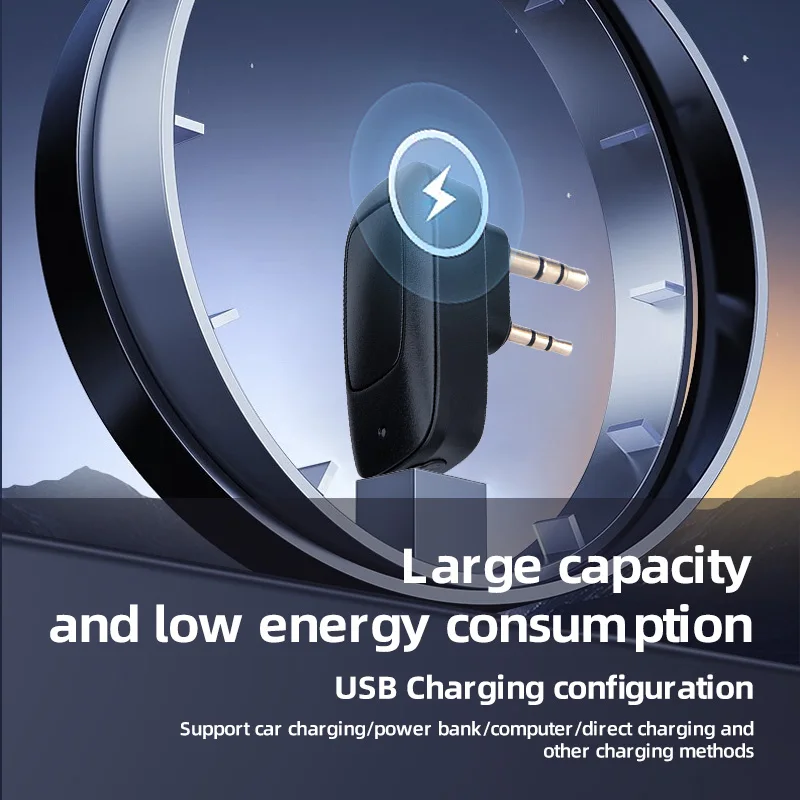
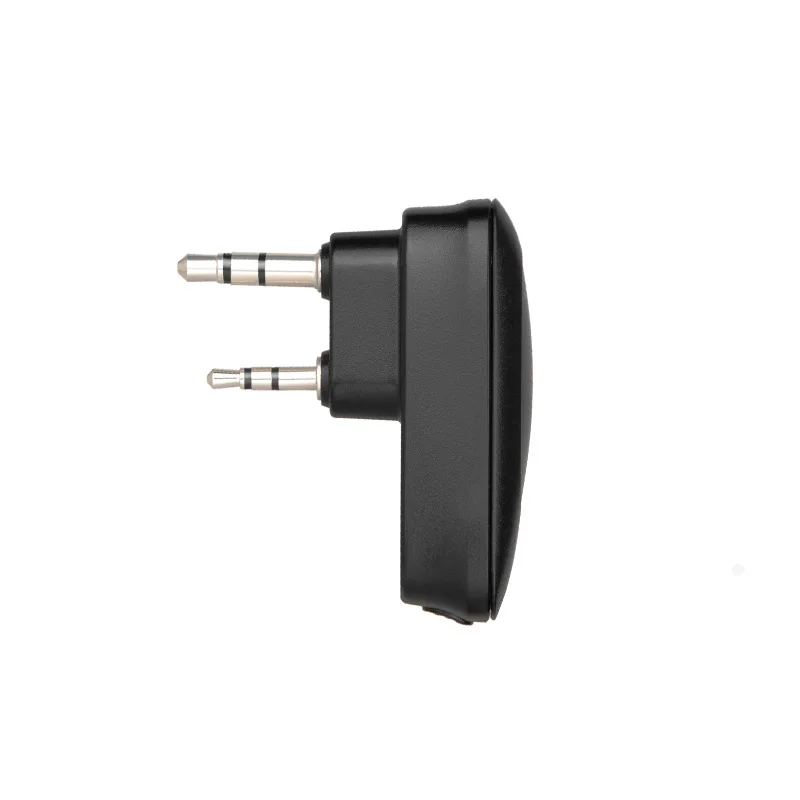
This wireless Bluetooth programming adapter attaches directly to the standard 2-pin K-plug port of compatible handheld radios. By bridging the radio to a smartphone via Bluetooth, it allows users to modify channel frequencies and operational settings on the fly using a dedicated mobile application.
Who Is It For?
This adapter is intended for two-way radio operators, event coordinators, outdoor team leaders, and security personnel who rely on handheld K-plug radios such as the Baofeng UV-5R or UV-82 series. It is particularly useful for users who frequently need to adjust frequency lists or channel profiles outside of an office environment without carrying a computer.
Key Features
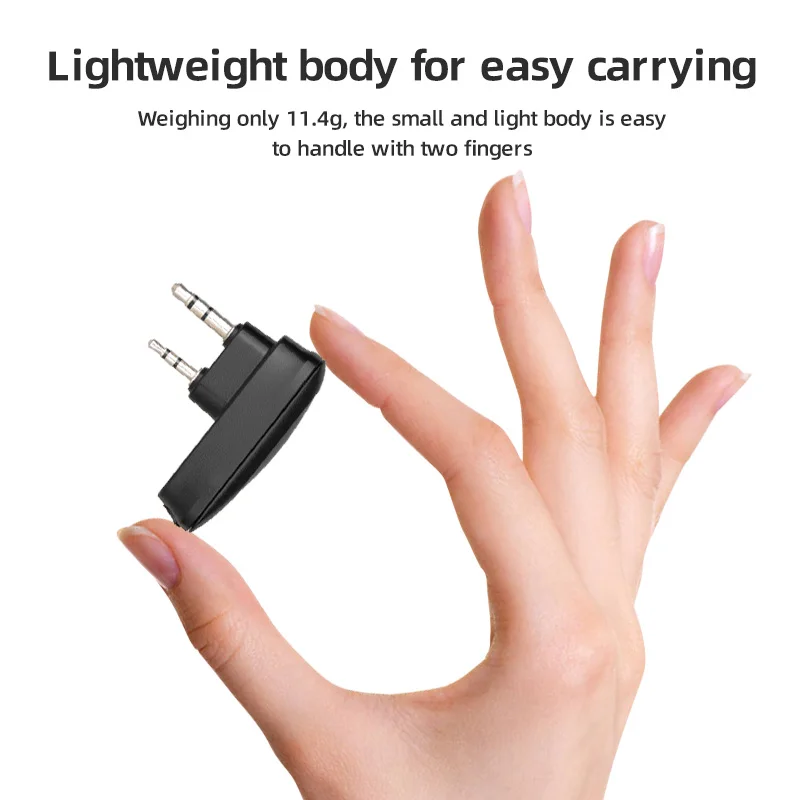
- Standard K-Plug 2-Pin InterfaceConnects directly into standard 2-pin audio/data jacks found on targeted Baofeng and compatible handheld radios.
- Bluetooth Wireless ConnectionEliminates physical USB programming cables and laptop driver configuration during setup.
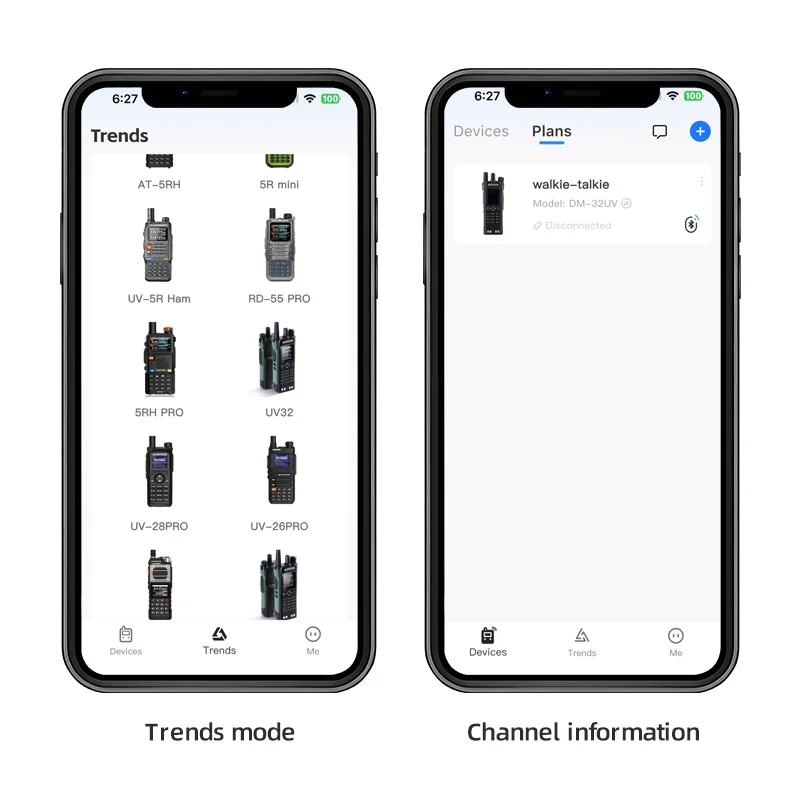
- Smartphone App IntegrationEnables writing and reading radio memory channels and parameters using a mobile interface.
- Compact Plug-and-Play DesignAttaches neatly to the side port of the handheld radio for on-the-go configuration.
Technical Specifications
| Interface Connector | K-Plug (Standard 2-Pin) |
| Wireless Technology | Bluetooth |
| Primary Functionality | Wireless frequency and channel memory programming |
| Confirmed Compatible Models | Baofeng UV-5R, UV-82, BF-888S, UV-5RH |
| Control Method | Mobile Smartphone App |
| Power Source | Not specified in available data |
Pros & Cons
Pros
- Removes the necessity of carrying a PC or laptop for radio programming in field conditions
- Direct compatibility with popular radio models including UV-5R, UV-82, BF-888S, and UV-5RH
- Provides a modern wireless workflow for managing walkie-talkie channel banks
Cons
- App software requirements and OS compatibility details are not specified in basic specs
- Relies entirely on mobile application stability for writing data to the radio memory
- Physical pin spacing requires standard 2-pin K1 interface alignment
FAQ
The manufacturer explicitly lists compatibility with Baofeng UV-5R, UV-82, BF-888S, and UV-5RH models equipped with a standard K-plug port.
No, the adapter uses Bluetooth to connect to a mobile application on your smartphone, bypassing the need for a traditional computer setup.
The specific application name and system requirements are not detailed in the product listing data and should be verified in the accompanying user manual.
Final Verdict
A specialized wireless tool designed to simplify field channel programming for K-plug walkie talkies. It is recommended for owners of supported Baofeng radios who prefer managing settings on a smartphone rather than dealing with computer cables.