
Problem & Solution
Modern laptops, ultrabooks, tablets, and smartphones are increasingly ditching traditional USB Type-A ports in favor of slim USB Type-C interfaces. While this reduces device thickness, it creates an immediate compatibility barrier when attempting to connect existing USB flash drives, wireless mouse dongles, wired keyboards, or external storage accessories.
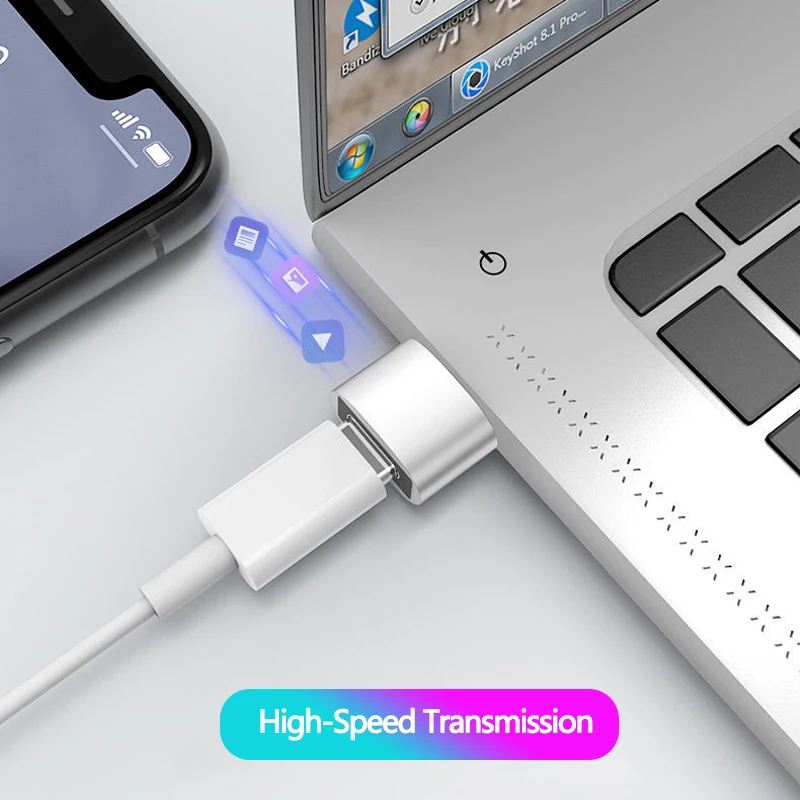
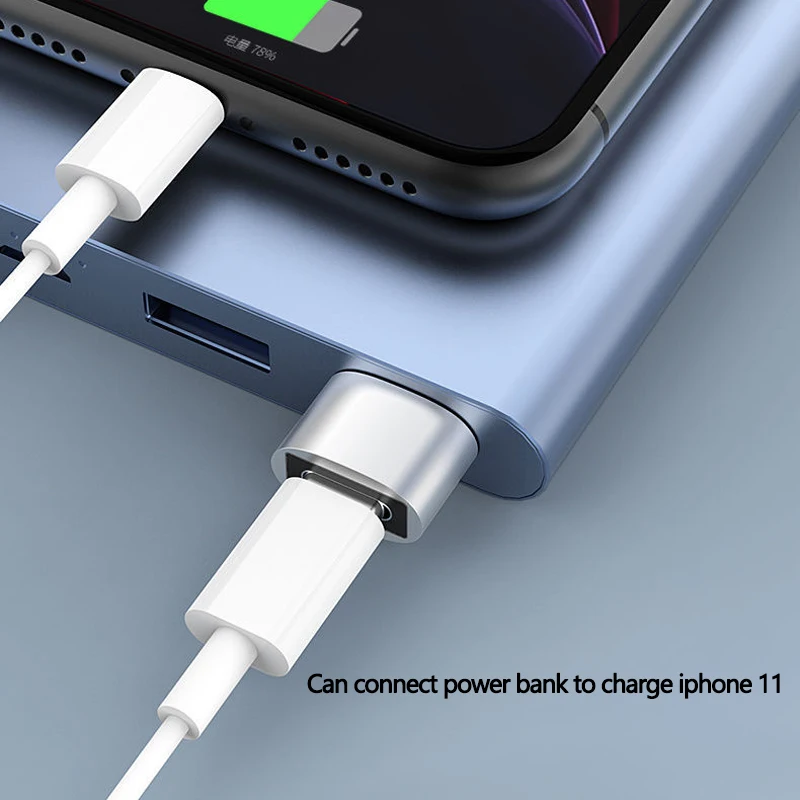
This USB Type-C adapter acts as a compact hardware bridge. By converting a standard USB Type-C host port into a standard USB Type-A female port, it allows legacy peripherals to plug directly into newer devices without requiring expensive docking stations or cumbersome multi-port hubs.
Additionally, for mobile device users, it unlocks On-The-Go (OTG) functionality, enabling supported smartphones and tablets to directly access files stored on external USB drives without needing a PC as an intermediary.
Who Is It For?
Designed for laptop owners, tablet users, and smartphone owners who need a lightweight solution for connecting standard USB accessories to Type-C devices. It is particularly useful for travelers, students, and office workers who frequently transfer files via USB thumb drives or connect external peripherals like mice and keyboards on the go.
Key Features
- USB Type-C to USB-A PassthroughEnables standard USB accessories to connect directly to Type-C host devices.
- USB OTG (On-The-Go) SupportAllows compatible smartphones and tablets to read external storage drives and peripheral inputs.
- Driverless Plug-and-Play SetupFunctions immediately upon insertion across major operating systems without software configuration.
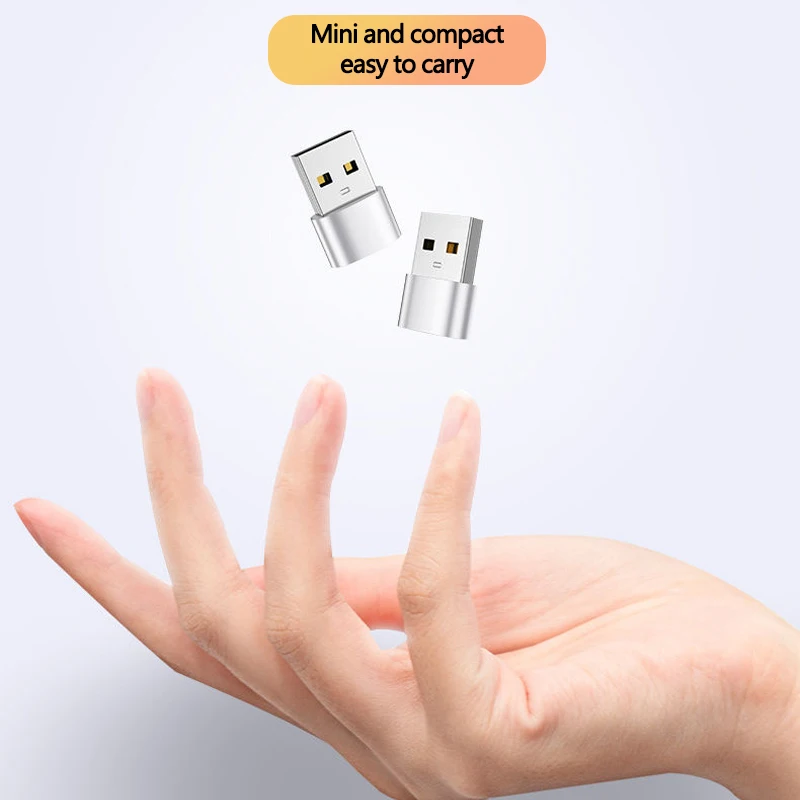
- Compact Form FactorPocket-sized design allows easy portability alongside cables and mobile gear.
- Broad Hardware CompatibilityWorks across PC laptops, desktop motherboards, tablets, and mobile phones with Type-C ports.
Technical Specifications
| Host Connector Type | USB Type-C (Male) |
| Peripheral Connector Type | USB Type-A (Female) |
| Supported Protocols | USB 3.0 / USB 2.0 compatible (as listed) |
| OTG Functionality | Supported (host device dependent) |
| Installation Requirement | Plug and Play (Driverless) |
| Housing Material | Not specified |
| Dimensions & Weight | Not specified |
Pros & Cons
Pros
- Ultra-portable form factor easily fits into small cable pouches or keyrings.
- Simple plug-and-play operation requires no driver installation.
- Provides immediate OTG file transfer capabilities for supported mobile devices.
- Eliminates the need to replace existing standard USB cables and peripherals.
Cons
- Adapter throughput depends on the host port's underlying USB generation and controller.
- Small individual adapter body can be easily misplaced if not kept in a secure organizer.
- Thick or heavy phone protective cases may obstruct flush insertion into mobile ports.
FAQ
Yes, provided your smartphone features a USB Type-C port and natively supports USB OTG (On-The-Go) functionality in its operating system.
No, it functions as a hardware adapter and operates plug-and-play across Windows, macOS, ChromeOS, and Android.
Yes, it bridges standard USB Type-A flash drives directly into laptop USB Type-C ports for standard file reading and writing.
No, standard USB Type-C to Type-A adapters are designed for data transmission and peripheral connections, not native DisplayPort or HDMI video passthrough.
Final Verdict
An essential, low-profile accessory for bridging standard USB peripherals with modern USB Type-C laptops and smartphones. Highly recommended for simple data transfer, flash drive reading, and peripheral inputs; skip if you require dedicated HDMI/DisplayPort video output or multi-port hub features.