

Problem & Solution
Modern computers, streaming media receivers, and set-top devices transmit video and audio digitally via HDMI. However, legacy hardware—such as classic CRT televisions, older projectors, and legacy monitors—relies exclusively on composite RCA connections (the standard yellow composite video and red/white stereo audio ports). This creates an interface barrier when trying to view content from modern devices on legacy display equipment.
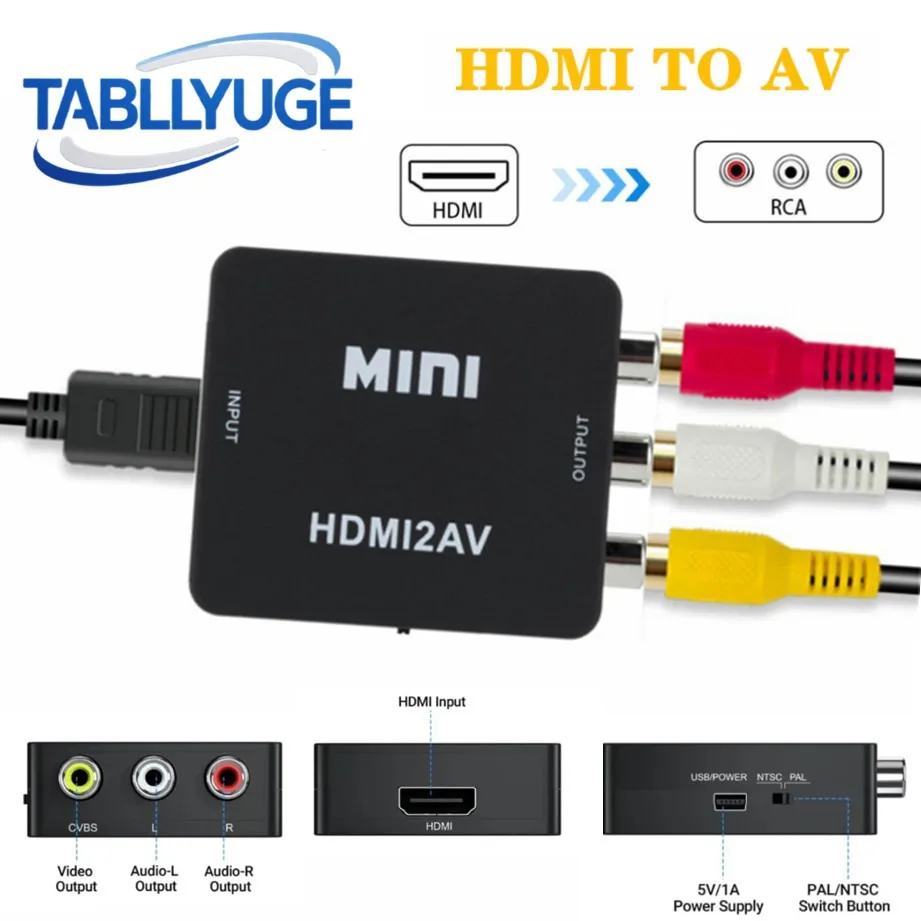
The TABLLYUGE HDMI to AV RCA Converter Box addresses this signal mismatch by converting incoming digital HDMI signals into standard analog video and stereo audio signals. By taking a digital input up to 1080p resolution and translating it into an analog RCA format, it allows older displays to receive audio and video from modern HDMI output hardware without requiring complete monitor upgrades.
Who Is It For?
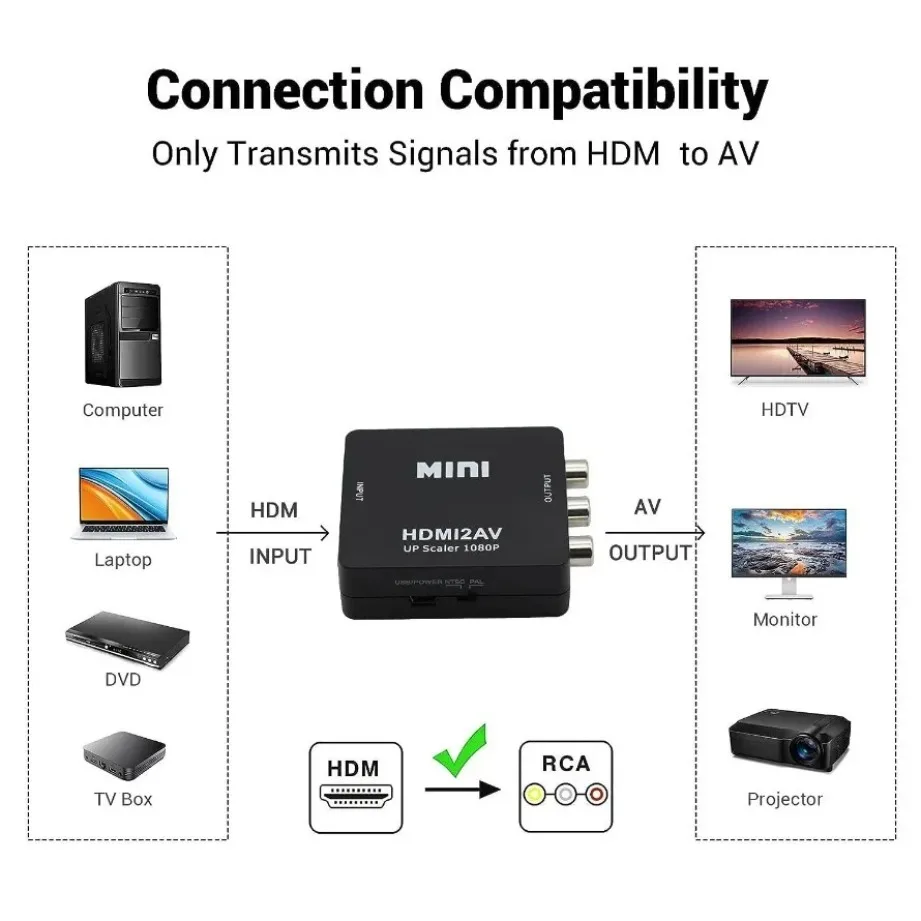
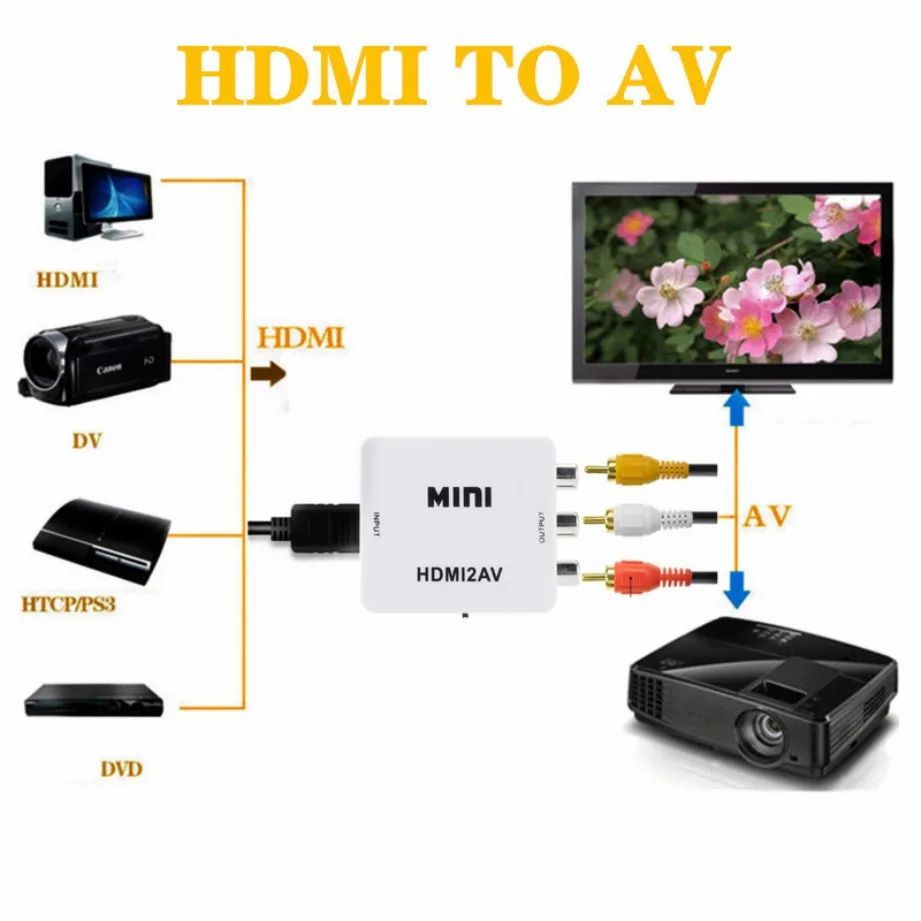
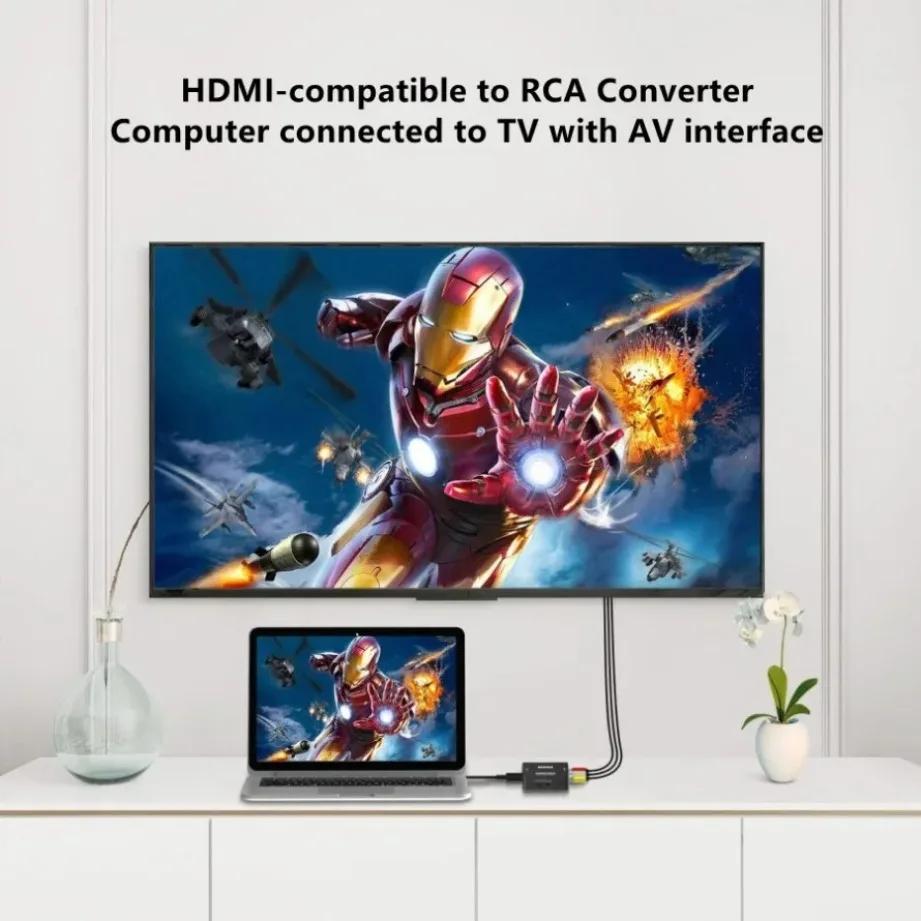
This converter is tailored for users who need to connect modern digital media devices—such as laptops, desktop PCs, modern TV boxes, or digital media hardware—to older monitors, vintage CRT TVs, or classic projectors that lack digital HDMI inputs.
It is ideal for retro tech enthusiasts, home users setting up secondary legacy displays, or facilities using existing legacy video projection equipment that only accepts composite analog RCA inputs.
Key Features
- 1080p HDMI Input CompatibilityAccepts high-definition digital signals up to 1080p resolution from modern computers and playback hardware.
- Analog Composite RCA OutputConverts digital HDMI signals into standard yellow video and red/white stereo audio analog outputs.
- Integrated NTSC / PAL SwitchFeatures a physical toggle switch on the housing to select between global video format standards based on your TV region.
- USB Cable Power SupplyPowered via an included USB cable to ensure constant voltage supply and stable signal processing during operation.
- Driverless Plug-and-Play SetupOperates immediately upon connection without requiring driver installations or software configuration.
Technical Specifications
| Product Type | HDMI-compatible to AV RCA Converter Box |
| Input Connection | 1x HDMI-compatible Female |
| Output Connection | 3x RCA (Yellow Video, Red/White Stereo Audio) |
| Supported Input Resolution | Up to 1080p (60Hz) |
| Output Video Standards | NTSC and PAL (Hardware Switchable) |
| Signal Direction | Unidirectional (HDMI Input to AV Output only) |
| Power Input | USB Cable (Included) |
| Setup Requirement | Plug and Play (Driverless) |
| Target Device Compatibility | PC, Laptops, HDTVs, Projectors, HDMI Source Devices |
Pros & Cons
Pros
- Connects modern HDMI output devices directly to older monitors and TVs with composite RCA jacks
- Includes a physical switch to toggle between NTSC and PAL television output standards
- Simple plug-and-play operation with driverless hardware conversion
- Comes equipped with a USB power cable for steady operation
Cons
- Unidirectional operation: converts HDMI to AV RCA only, not RCA to HDMI
- Composite video output is limited to standard-definition analog resolution, downscaling high-definition inputs
- Requires an external USB power source to function
FAQ
No. This unit is strictly unidirectional and converts HDMI input signals to AV RCA output. It cannot convert analog RCA signals into an HDMI output format.
No. While the unit accepts up to 1080p digital inputs, composite RCA video is an analog standard-definition format. The output on the screen will be standard analog video quality.
Yes. The unit requires power from the included USB cable, which must be plugged into a standard 5V USB port or USB wall plug to drive the internal conversion chipset.
The converter box includes a hardware switch on the side panel labeled NTSC/PAL, allowing you to select the correct standard for your legacy display.
Final Verdict
Recommended for users needing a direct hardware bridge between modern HDMI sources and legacy composite RCA displays. Skip if you require an analog-to-digital (RCA to HDMI) converter or expect true high-definition resolution over analog RCA cables. Always verify signal direction and available USB power before purchasing.