

Laptop to Desktop RAM Adapter Review: SODIMM to DIMM Guide
Problem & Solution
Upgrading or replacing a laptop often leaves technicians and DIY builders with extra SODIMM memory sticks sitting unused. Standard desktop motherboards utilize longer DIMM memory slots, making smaller laptop memory physically incompatible despite running on identical memory architecture standards.
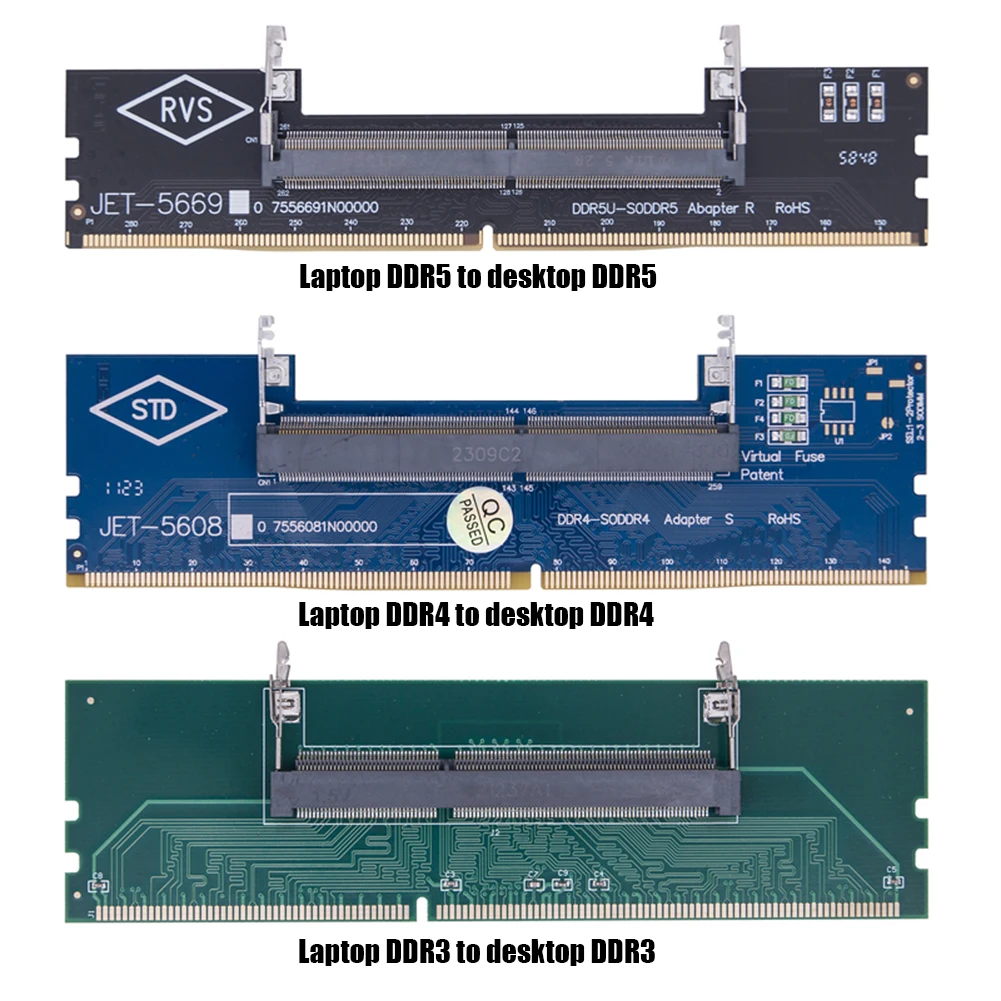
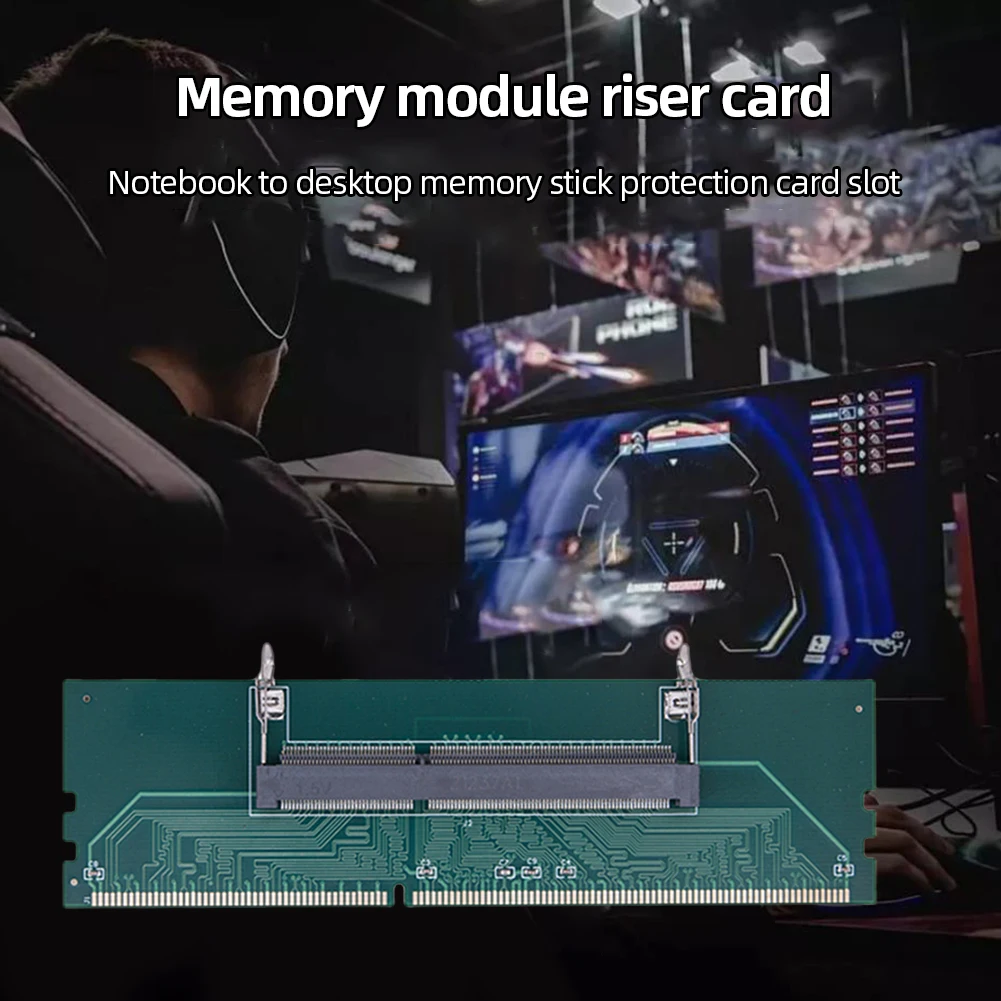
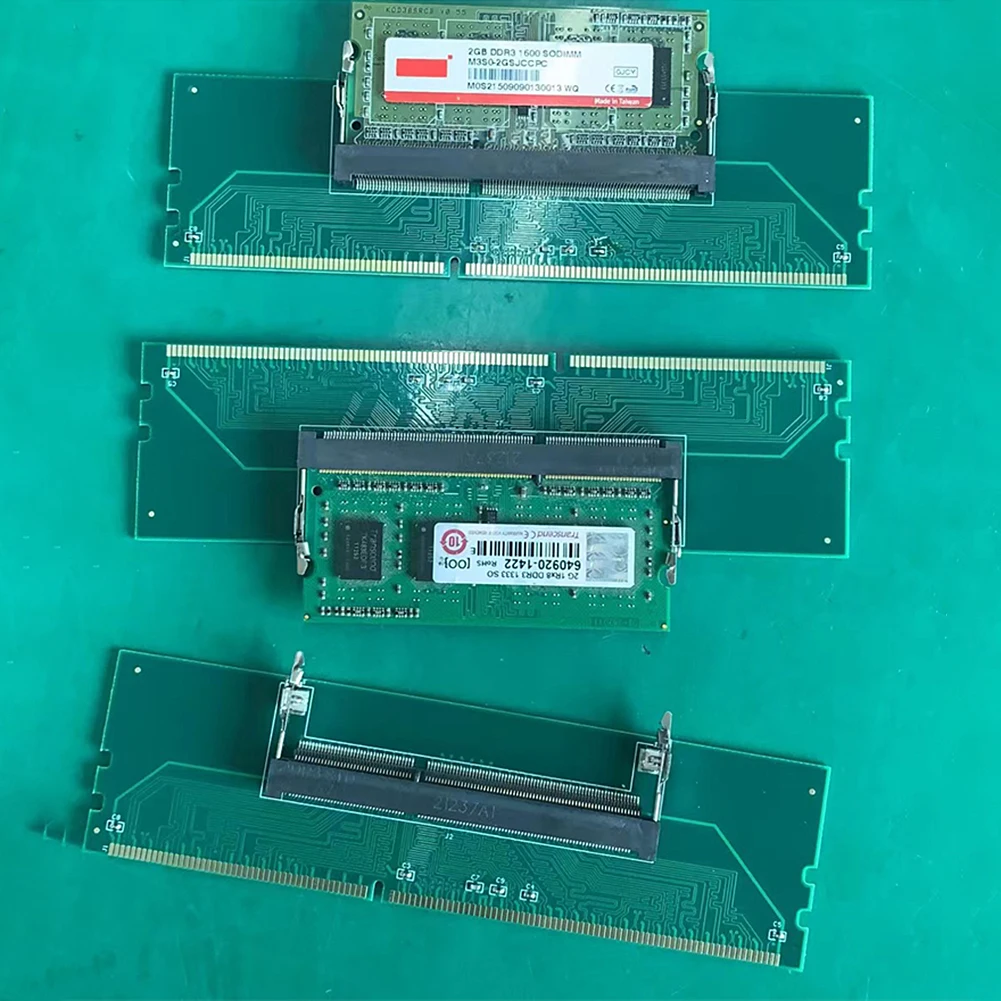
This laptop-to-desktop RAM adapter connector card resolves the form-factor mismatch by converting a SODIMM memory module into a full-length DIMM interface. By inserting your laptop RAM into the adapter's top slot, you can mount it directly into a standard desktop motherboard DIMM slot for operation, testing, or diagnostic troubleshooting.
Who Is It For?
This adapter card is ideal for computer repair technicians, IT hardware testers, and budget-conscious system builders who have spare SODIMM laptop RAM modules on hand and want to utilize or diagnose them using a desktop motherboard.
It is less suited for compact Mini-ITX chassis builds or systems with oversized CPU air coolers, as the added height of the adapter-and-RAM stack may interfere with low-clearance cooling heatsinks.
Key Features
- SODIMM to DIMM Form-Factor ConversionAllows standard laptop memory sticks to fit directly into desktop motherboard slots.
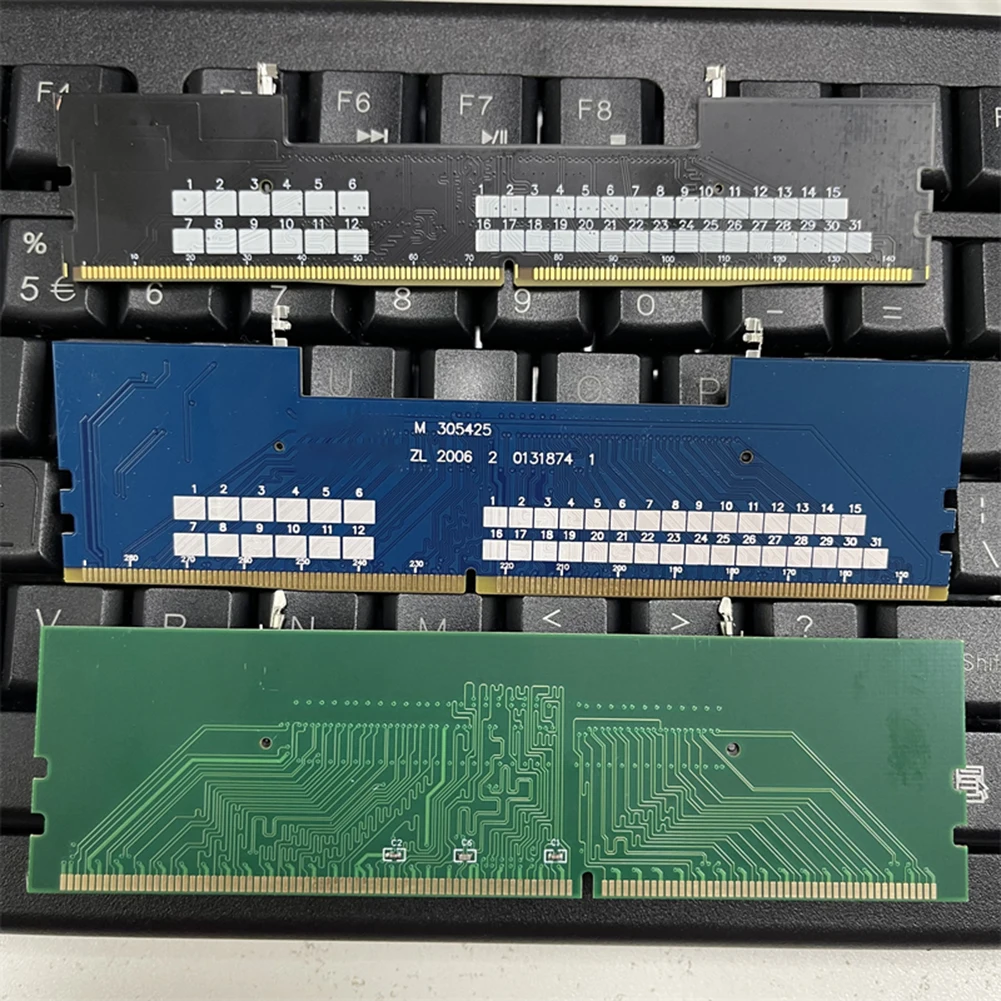
- Multi-Generation Specific OptionsAvailable in distinct DDR3, DDR4, or DDR5 board variants matching specific memory standards.
- Gold-Plated Signal ContactsProvides solid electrical contact conductivity and minimizes pin wear during repeated module insertions.
- Hardware Pass-Through ArchitectureFunctions natively without requiring driver installation or secondary power connectors.
- Multi-Layer PCB Trace LayoutDesigned to maintain clean electrical traces between the SODIMM socket and DIMM edge contacts.
Technical Specifications
| Product Type | Laptop SODIMM to Desktop DIMM Memory Adapter Card |
| Supported Memory Types | DDR3, DDR4, or DDR5 (variant specific) |
| Interface Conversion | SODIMM Slot (Top) to Standard DIMM Pin Edge (Bottom) |
| Driver Requirement | None (Hardware pass-through) |
| Operating Voltage | Standard memory voltage based on installed DDR standard |
| Physical Dimensions | not specified in available data |
Pros & Cons
Pros
- Practical solution for reusing spare laptop RAM modules in desktop builds or test benches.
- Simple plug-and-play installation requiring no special drivers or setup.
- Functions as a convenient memory testing tool for computer repair shops.
Cons
- Increases overall module height, potentially blocking large CPU heatsinks.
- Requires careful selection of the exact DDR standard corresponding to both motherboard and memory module.
FAQ
No. The memory standard (DDR3, DDR4, or DDR5) must strictly match your motherboard socket type. The adapter converts physical form factor (SODIMM to DIMM), not the underlying memory controller architecture or physical pin notch keying.
As a passive electrical pass-through card, it transfers signals directly between pins. Native memory speed, timing, and stability will depend on the inserted SODIMM module, connection cleanliness, and motherboard BIOS detection.
No external power leads or software drivers are needed. Power and data signals pass directly through the desktop motherboard DIMM slot.
Final Verdict
A useful, specialized hardware connector for technicians and DIY builders who need to mount laptop SODIMM memory sticks into standard desktop DIMM slots. Ensure you select the exact DDR architecture generation matching your memory module and check vertical cooler clearance before installing.